Automations and backups
Set up Google Drive, Dropbox, OneDrive, USB copies, print notifications and event deployment together.
Open articleHelp
The basics for photo booth rental businesses: install the app, check the camera and printer, prepare events, start guest mode and deliver online galleries.
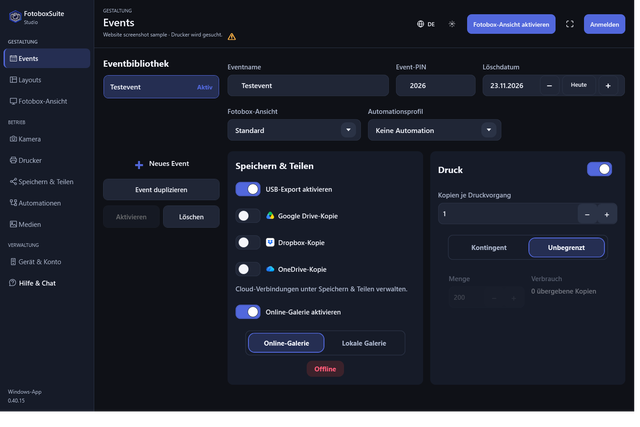
Events, Save & Share and printing in your local workspace.
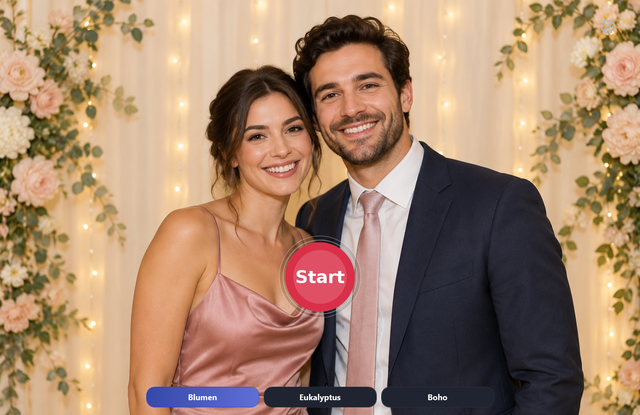
From the loaded event to the guest view and photo output.
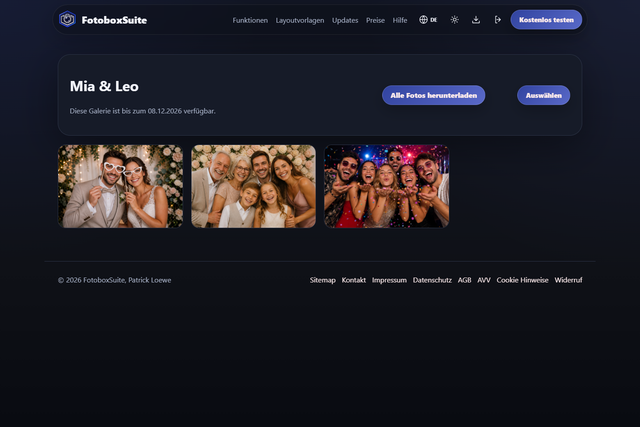
Set up the gallery, QR code and download to suit the event.
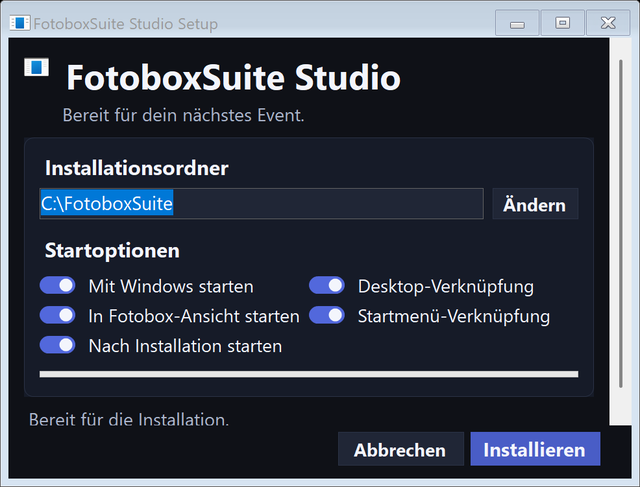
Install the Windows app and check your setup.
Set up Google Drive, Dropbox, OneDrive, USB copies, print notifications and event deployment together.
Open articleAn overview of FotoboxSuite, the Windows app, customer portal, online gallery and your first production setup.
Open articleDownload, installation, sign-in and your first photo booth test run.
Open articleHelp with interrupted downloads, Windows security warnings and updates.
Open articleConnect and select a camera, check live view and test photo capture in FotoboxSuite.
Open articleInstall a Windows printer, check the paper format, make a test print and use print quotas.
Open articleCreate an event in the portal, select a layout, prepare the photo booth and start guest mode.
Open articleEnable a gallery, use a QR code, make images available, share a link and manage the gallery after the event.
Open articleAnswers for photo booth rental businesses about intended users, hardware, internet access, printing, layouts, trial access and support.
Open articleEnquiry
If you would like to describe your setup before or after registration, send your camera, printer, number of devices and intended use here. We will contact you personally after your request.